All Good Stay
All guides

Internet in Japan: eSIM, Pocket Wi-Fi, or the Wi-Fi Where You Stay

September 5, 2026 · Ami Kawabe, Founder, All Good Stay

Internet in Japan: eSIM, Pocket Wi-Fi, or the Wi-Fi Where You StayStay guideAll Good Stay

For most trips to Japan the answer is a travel eSIM activated before you fly, plus the Wi-Fi in the place you are staying. Pocket Wi-Fi still wins in a few specific cases, and buying a physical SIM after you land is the slowest of the three. We run six apartments in Tokyo and Sapporo, all of them unattended self check-in, and 449 guest arrivals landed across those six rooms in the twelve months to July 2026 (measured 21 August 2026, method at our published operating data). That is a lot of arrivals to watch, and the connectivity mistake is always the same one. Here is the decision in the order it bites.

When do you actually need mobile data in Japan?

In the first hour after landing, before you reach the building, and much less after that. This is backwards from how most travelers plan it: they think about streaming in the evening, when the evenings are the part already covered by the Wi-Fi where they sleep.

Here is why the first hour is the sharp one. Every one of our six rooms is self check-in, with no front desk to walk up to. The door code and the photographed entry steps arrive in the message thread for that booking, in Japanese, English, Chinese or Korean. A guest who lands with no data cannot open that message, cannot read the map to the door, and cannot call anyone from the street. The apartment Wi-Fi is fifteen meters away on the other side of a locked door, which is exactly where it is useless.

So the rule we give guests is simple: whatever you choose, it has to be working before you leave the airport building, not after. Airport terminals in Japan have free Wi-Fi, and it is enough to open a message and take a screenshot. It is not enough to get you across a train transfer.

eSIM, pocket Wi-Fi, a Japanese SIM card, or roaming?

An eSIM is a phone line you install as a file instead of a plastic card: you buy a data plan online, scan a QR code, and your phone carries a second line alongside your home one. That is the whole difference, and it is why it has taken over from the airport SIM counter.

The four options, and who each one is actually for:

OptionSuitsWhat trips people up
Travel eSIMSolo travelers, couples, anyone with a recent phoneYour phone must support eSIM and be carrier unlocked. Install it at home, while you still have internet
Pocket Wi-Fi (rental router)Families and groups, older phones, heavy laptop useIt has to be returned, and it is one more thing to charge every night
Physical prepaid SIM bought in JapanPhones that cannot take an eSIMQueues at the airport counter, and staff may ask for your passport. You also lose your home number while it is in
Roaming on your home planShort trips where you barely use dataThe daily rate is usually the most expensive per gigabyte. Check your carrier's Japan rate before you decide it is easy

How do I check my phone can take an eSIM, before I buy one?

  • On an iPhone: Settings, General, About, and scroll for an EID number. If there is an EID, the hardware supports eSIM.
  • On Android: Settings, About phone or Network, and look for an EID or an 'add eSIM' option. It varies by maker, so search your exact model.
  • Carrier lock is the second gate and the hardware check does not cover it. Ask your home carrier directly whether the handset is unlocked for other networks.
  • Buy and install while you are still at home on your own Wi-Fi. Installing an eSIM needs an internet connection, which is the thing you will not have at the gate.
  • Check which Japanese network the plan runs on. It is on the product page, and it matters more in the mountains than it does in Tokyo or Sapporo.
  • Keep the QR code as a screenshot and on paper. Losing it in a dead phone is the one failure with no workaround.

When is pocket Wi-Fi still the better choice?

When several people need one connection, when your phone cannot take an eSIM, or when you are working from a laptop all day. A rented router serves a whole family from one plan, and it saves the battery of the phone you are also using as a map, a translator and a camera.

The cost is friction at both ends of the trip. The router has to be collected and returned, usually to a counter at the airport or by post before you fly out, and it has to be charged every night alongside everything else. Our average stay is 3.3 nights, so on a short trip the pickup and the return are a real slice of the time you came for. On a two-week trip with four people, that arithmetic flips completely.

One practical middle path for groups: one eSIM on one phone for the arrival, then that phone shares to the others until the router is collected. It removes the worst case, which is a whole group standing at a door with nothing.

Is the apartment Wi-Fi enough to work on?

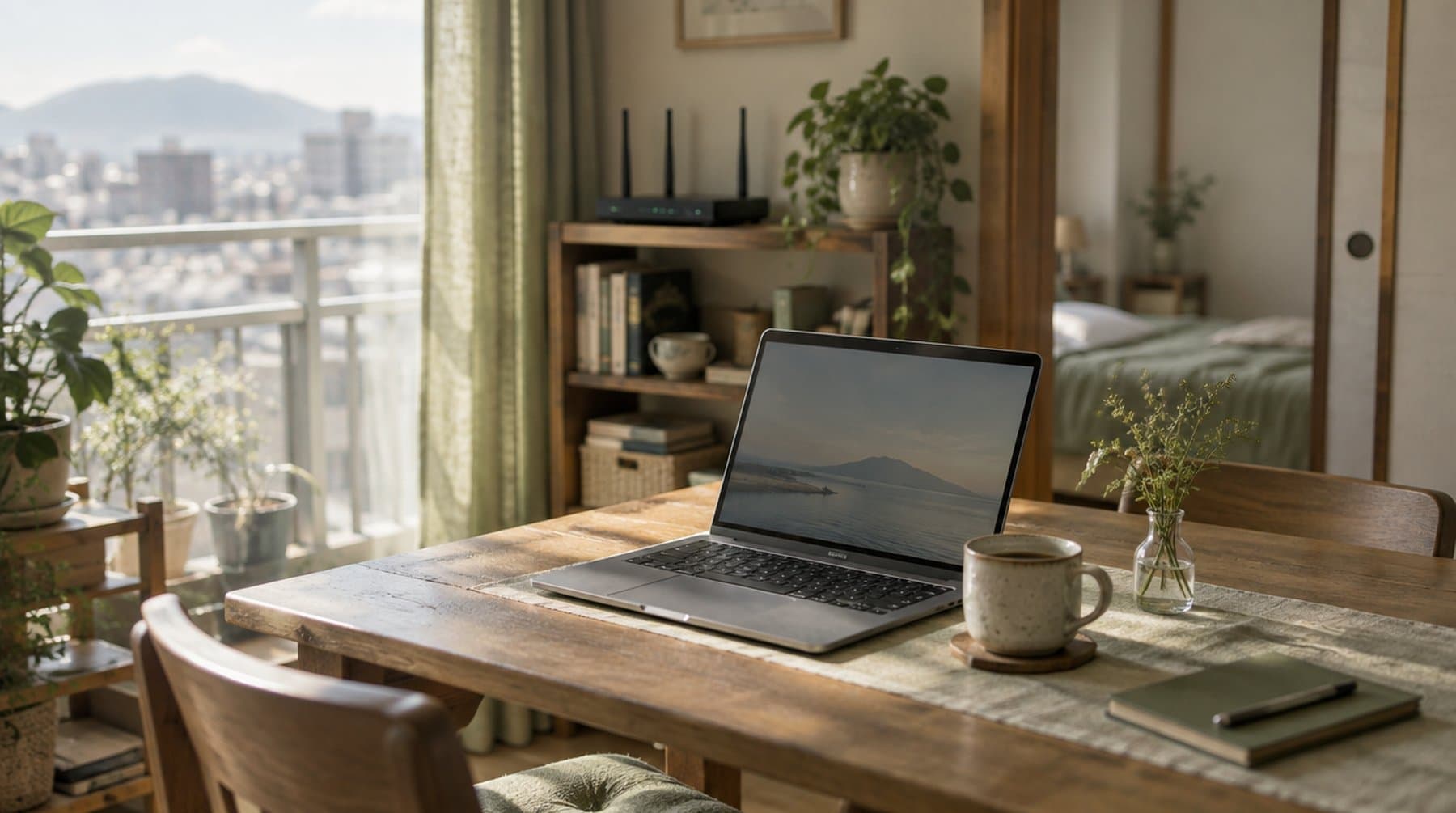
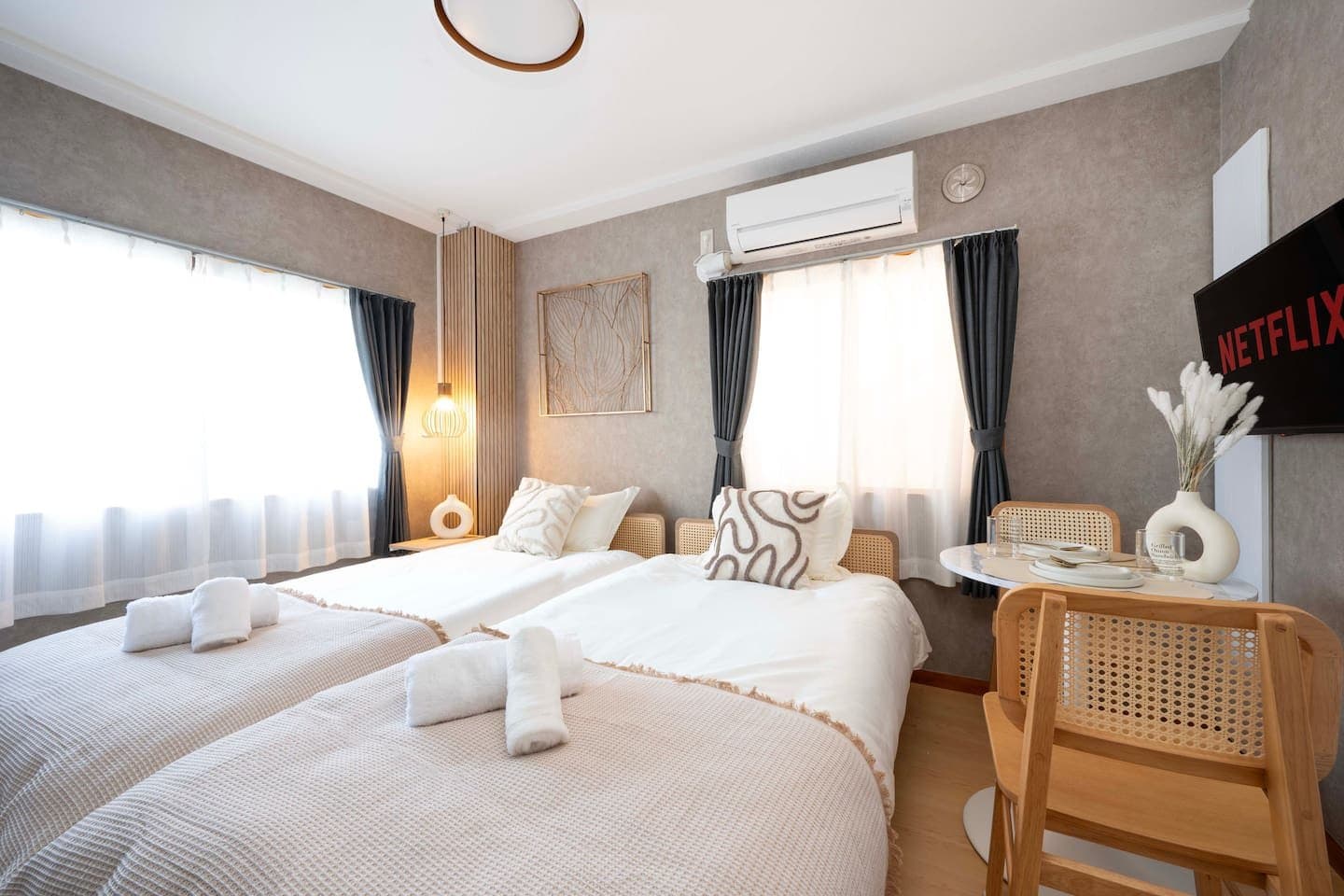
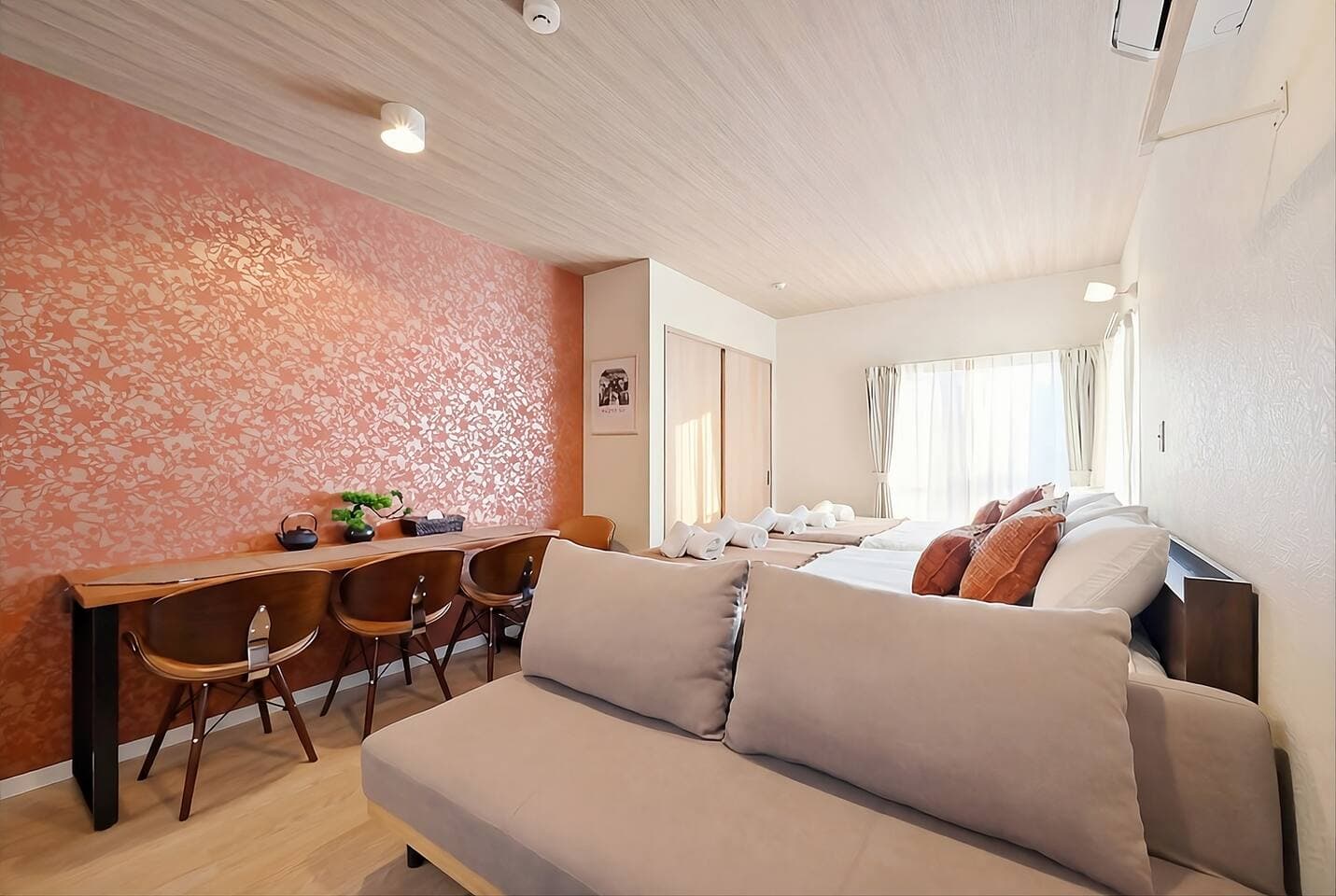
Yes, and it is included in the price with no extra charge, in every one of our apartments. The network name and password are in the guest notes in the room and in your booking message, so you are online within a minute of the door opening.

Five of our six rooms also have a wired LAN connection, which is the detail worth knowing if your work is video calls rather than browsing: HEIWAJIMA in Tokyo, KAMEARI 201, and all three SAPPORO NORTH apartments. A cable beats any hotel lobby network on a bad day, and it costs nothing to plug in. Tokyo specifics for a working stay are in our long stays in Tokyo guide.

What the apartment line does not do is follow you outside. If your day involves navigating between neighborhoods, translating a menu, or calling a restaurant, you still want a line on your phone. Treat them as two different jobs and neither one surprises you.

What changes if I am staying a month?

The apartment line becomes your main connection and the phone becomes the backup, which is the reverse of a one-week trip. Utilities and Wi-Fi are included in our long stays, so there is no home internet contract to sign, no installation visit, and no two-year commitment: that is most of the reason a furnished apartment beats a lease for a few weeks. The rest of the long-stay picture is in our guide to long stays in Japan.

For the phone side over a month, compare a 30-day data plan against topping up a shorter one twice. Prices move constantly, so we will not quote a figure that would be wrong by winter. Check two or three providers on the week you book and compare the per-gigabyte cost rather than the headline.

The arrival-day checklist

  • Install and test your eSIM at home, days before the flight, not at the gate.
  • Screenshot your check-in message, the door code and the address in Japanese. A screenshot survives a dead network.
  • Save the address in Japanese text you can show a taxi driver, not only as a map pin.
  • Connect to the free airport Wi-Fi before you leave the terminal and re-open your booking thread there.
  • Arriving late at Haneda? HEIWAJIMA is 10 minutes from the airport by train and 30 seconds from its station. Kameari is about 60 minutes by direct limousine bus, and New Chitose to our Sapporo apartments is 50 to 60 minutes by JR and subway.
  • Message us before you land if anything is uncertain. We answer around the clock, and a question asked in the air is easier than one asked at a locked door.
See our apartments

Quick answers

Is Wi-Fi included at All Good Stay apartments?
Yes, Wi-Fi is included in the price at every apartment, with no extra charge and nothing to set up. The network name and password are in the guest notes in the room and in your booking message, and five of the six rooms also have a wired LAN connection.
Do I need mobile data to check in?
You need a way to read your booking message, because all our apartments are self check-in and the door code and entry photos live in that thread. An eSIM activated before you fly is the simplest way. Failing that, screenshot the instructions before you leave home and use the free airport Wi-Fi to re-check them before you get on the train.
eSIM or pocket Wi-Fi for a family of four?
Pocket Wi-Fi usually works out better for four people on a longer trip, because one rental serves everybody and saves phone batteries. The trade-off is collecting and returning the router. A common middle path is one eSIM on one phone for the arrival day, with the router picked up afterwards.
Can I work from the apartment Wi-Fi?
Yes. Guests take video calls from all of our apartments, and five of the six rooms have a wired LAN connection if you would rather not rely on Wi-Fi for a long call. HEIWAJIMA and the Kameari and Sapporo rooms also have a table you can work at.

More guides

Stay with All Good Stay